

"Back out the HST" is how bookkeepers and business owners in Canada describe reverse-calculating the tax from a total price. It's one of the most common tasks in Canadian small business accounting: done when a receipt shows a grand total without clearly separating the HST, when preparing expense reports, or when verifying that the correct HST amount was charged on a supplier invoice. This step-by-step guide shows exactly how to back out HST from any Canadian price, with worked examples for every province.
Step-by-Step: Backing Out HST
Step 1: Identify the province → Step 2: Find the divisor → Step 3: Divide total by divisor
Ontario example: $904 total → Province = Ontario → Divisor = 1.13 → Net = $904 ÷ 1.13 = $800 → HST = $904 − $800 = $104
The Correct Math: Why Division. Not Multiplication
Imagine you charged 13% HST on a $100 net price. The total becomes $113. If someone sees "$113" on a receipt and wants to "back out" the HST, they have two options:
- Wrong method: $113 × 0.13 = $14.69 (this is 13% of the total, not what the HST actually was)
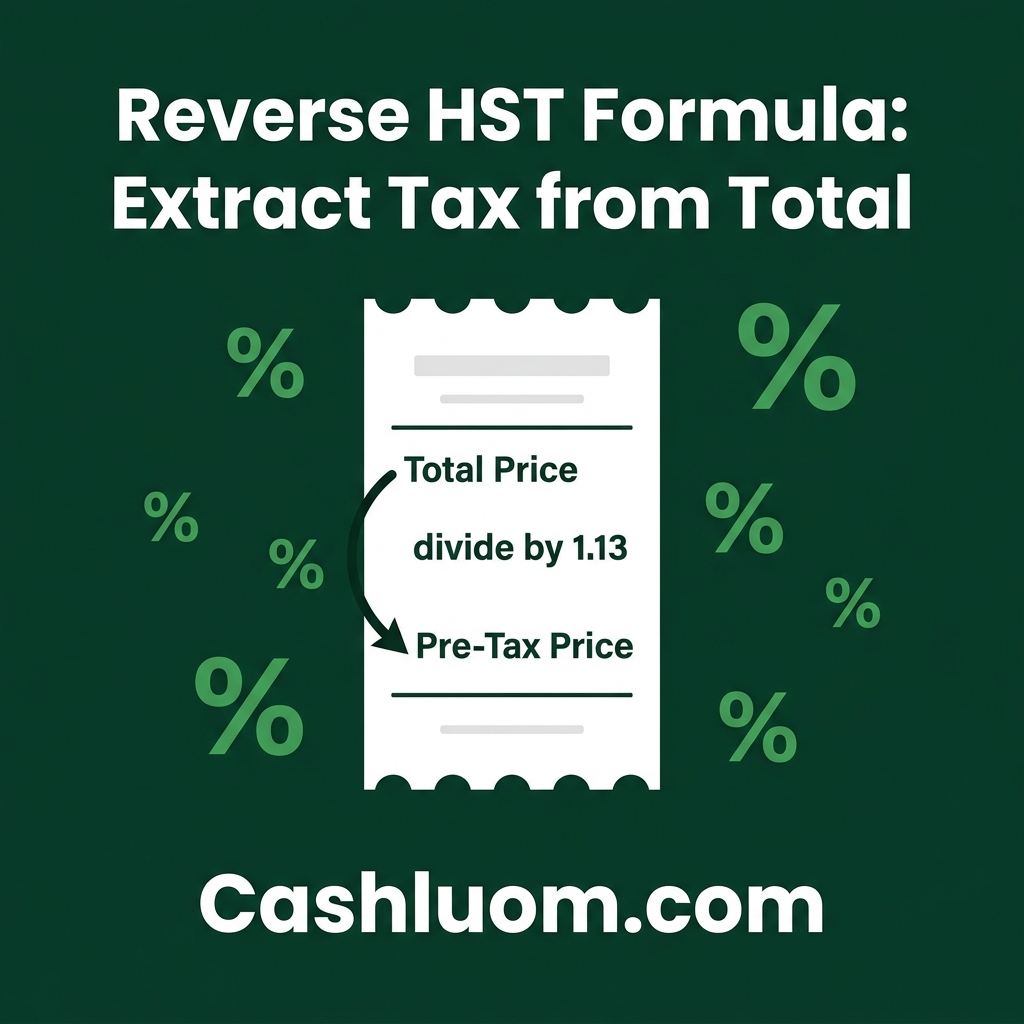
- Correct method: $113 ÷ 1.13 = $100 → HST = $113 − $100 = $13.00 ✓
The wrong method gives $14.69 — $1.69 too high. Why? Because the 13% rate was applied to $100 (net), not $113 (total). The HST is 13% of $100, which equals $13, not 13% of $113. Dividing by 1.13 is the mathematical inverse of the original multiplication, returning exactly the net price.
How to Back Out HST: Province-by-Province
| Province | Total Tax Rate | Divisor | Formula |
|---|---|---|---|
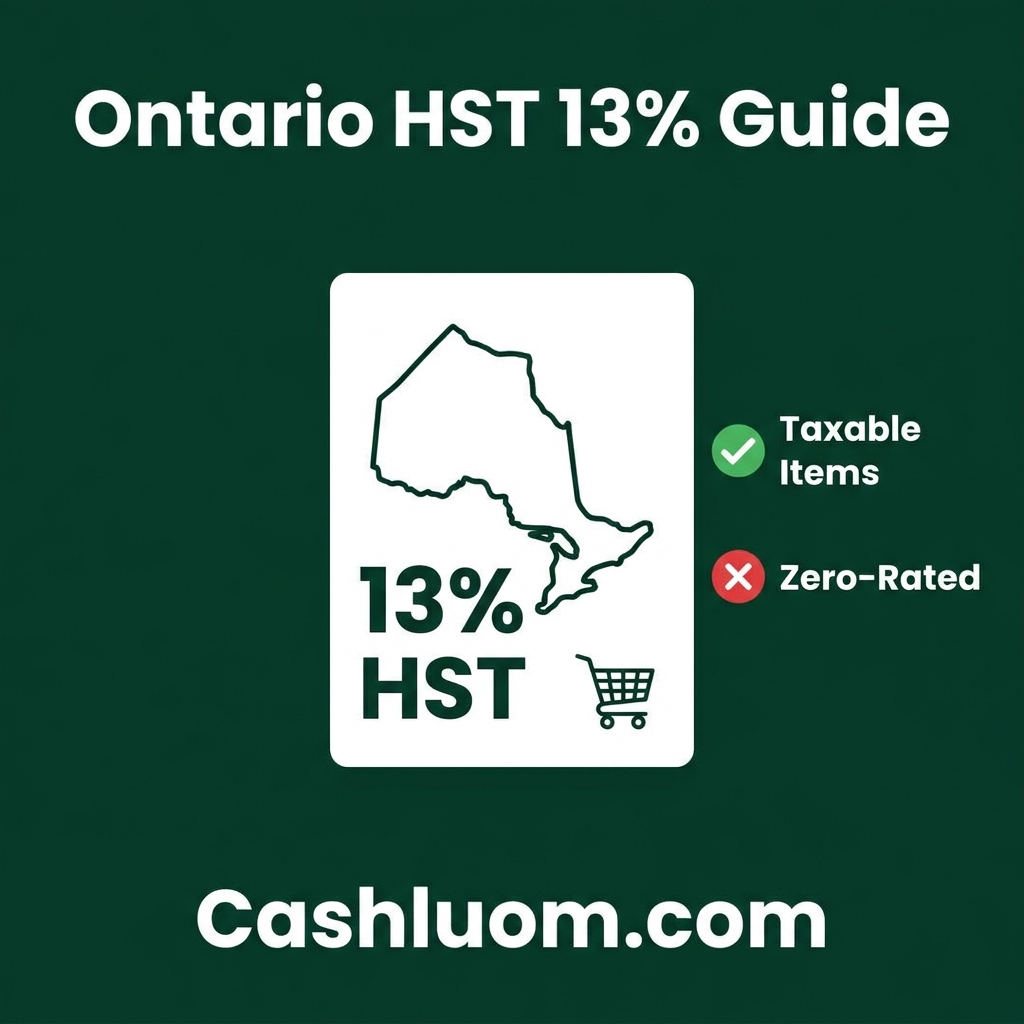
| Ontario | 13% HST | 1.13 | Net = Total ÷ 1.13 |
| Nova Scotia | 15% HST | 1.15 | Net = Total ÷ 1.15 |
| New Brunswick | 15% HST | 1.15 | Net = Total ÷ 1.15 |
| PEI | 15% HST | 1.15 | Net = Total ÷ 1.15 |
| Newfoundland & Labrador | 15% HST | 1.15 | Net = Total ÷ 1.15 |
| BC | 12% (5% GST + 7% PST) | 1.12 | Net = Total ÷ 1.12 |
| Manitoba | 12% (5% GST + 7% RST) | 1.12 | Net = Total ÷ 1.12 |
| Saskatchewan | 11% (5% GST + 6% PST) | 1.11 | Net = Total ÷ 1.11 |
| Alberta | 5% GST only | 1.05 | Net = Total ÷ 1.05 |
| Quebec | 14.975% (5% GST + 9.975% QST) | 1.14975 | Net = Total ÷ 1.14975 |
| Yukon / NWT / Nunavut | 5% GST only | 1.05 | Net = Total ÷ 1.05 |
Worked Examples Across Common Scenarios
| Receipt Total | Province | Divisor | Net Price (Pre-Tax) | Tax Backed Out |
|---|---|---|---|---|
| $67.80 | Ontario | 1.13 | $60.00 | $7.80 HST |
| $138.00 | Nova Scotia | 1.15 | $120.00 | $18.00 HST |
| $280.00 | BC | 1.12 | $250.00 | $30.00 (GST + PST) |
| $315.00 | Quebec | 1.14975 | $273.97 | $41.03 (GST + QST) |
| $1,050.00 | Alberta | 1.05 | $1,000.00 | $50.00 GST |
| $5,650.00 | Ontario | 1.13 | $5,000.00 | $650.00 HST |
Backing Out HST on Real Business Receipts
In practice, business receipts sometimes show only a grand total without breaking down the HST separately. This is common for:
- Gas station receipts (usually show total only)
- Parking receipts and transit fares
- Meal and entertainment expenses where the server's copy doesn't show HST detail
- Online purchase confirmations that show "subtotal + tax = total" without itemizing
In all these situations, you can legitimately "back out" the HST using the divisor method, provided you know the province of purchase and that the item was subject to HST. For ITC purposes, you still need the supplier's HST registration number visible on the receipt (for amounts over $30).
Frequently Asked Questions
What does "back out the HST" mean in accounting?
"Back out the HST" means to reverse-calculate the HST amount from a price that already includes HST: effectively separating the net price from the tax component. It's commonly done in bookkeeping when a receipt shows a total without separately stating the HST, but you need to record the net expense and HST separately in your accounts for ITC claims or expense categorization.
How do I back out 13% HST from a total in Ontario?
Divide the total by 1.13. The result is the net (pre-tax) price. The HST = total − net. Example: $452 ÷ 1.13 = $400 net; HST = $452 − $400 = $52. This works because the total is the net price × 1.13, so dividing reverses the multiplication. Never multiply the total by 0.13, that gives too high an amount ($52 correct vs $58.76 wrong for a $452 total).
Can I claim an ITC on HST that was backed out from a receipt?
Yes: as long as the purchase was for business purposes and the receipt shows the supplier's GST/HST registration number (required for amounts over $30). You can legitimately calculate the HST component yourself using the reverse formula even if the receipt doesn't show it separately. The CRA accepts this method, but the registration number requirement must still be met for the ITC to be valid.
How do I back out HST from a mixed receipt (some taxable, some not)?
Apply the reverse formula only to the taxable portion. For example, if a grocery receipt includes $60 in basic groceries (zero-rated, no HST) and $50 in taxable items (HST at 13%), the taxable total is $50 × 1.13 = $56.50. You'd only back out HST from the $56.50 taxable portion ($56.50 ÷ 1.13 = $50 net; $6.50 HST). The groceries portion has no HST to back out. Ideally, ask for an itemized receipt that separates taxable from non-taxable items.
What if the receipt doesn't show the supplier's HST number: can I still claim ITC?
For amounts under $30 per receipt, no HST number is required to claim an ITC. For amounts $30–$149.99, you need the supplier's name, amount, and HST registration number. For $150 and over, you additionally need the recipient's (your business's) name or trading name, a description of the goods/services, and the date. If you can't get a proper receipt, contact the supplier for a corrected invoice: the CRA will disallow ITCs on missing-information receipts during audits.
Final Thoughts
Backing out HST is a routine bookkeeping task that every Canadian business owner encounters regularly. The core formula: divide by the divisor (e.g., 1.13 for Ontario): is simple but easily confused with the wrong approach of multiplying by the rate. Internalize the concept once (tax is on net, not on gross; so to reverse, divide) and it becomes second nature. Use the Reverse HST Calculator for any transaction, and reference our Canada GST/HST Calculator guide for the full picture on Canadian sales tax rates by province.
Sources & Citations: Content verified against official guidelines from the IRS (US), HMRC (UK), and ATO (AU). Information is reviewed for accuracy prior to publication.
Free Calculator
Canada HST Calculator
The definitive tool for Canadian sales tax. Instantly add or remove HST, GST, and PST from any amount. Pre-configured with verified 2026 rates for all 13 provinces and territories, including Ontario (13%), British Columbia (12%), Quebec (14.975%), and Alberta (5%). Essential for Canadian freelancers and small businesses.
Comments are coming soon. Have feedback? Contact us.