

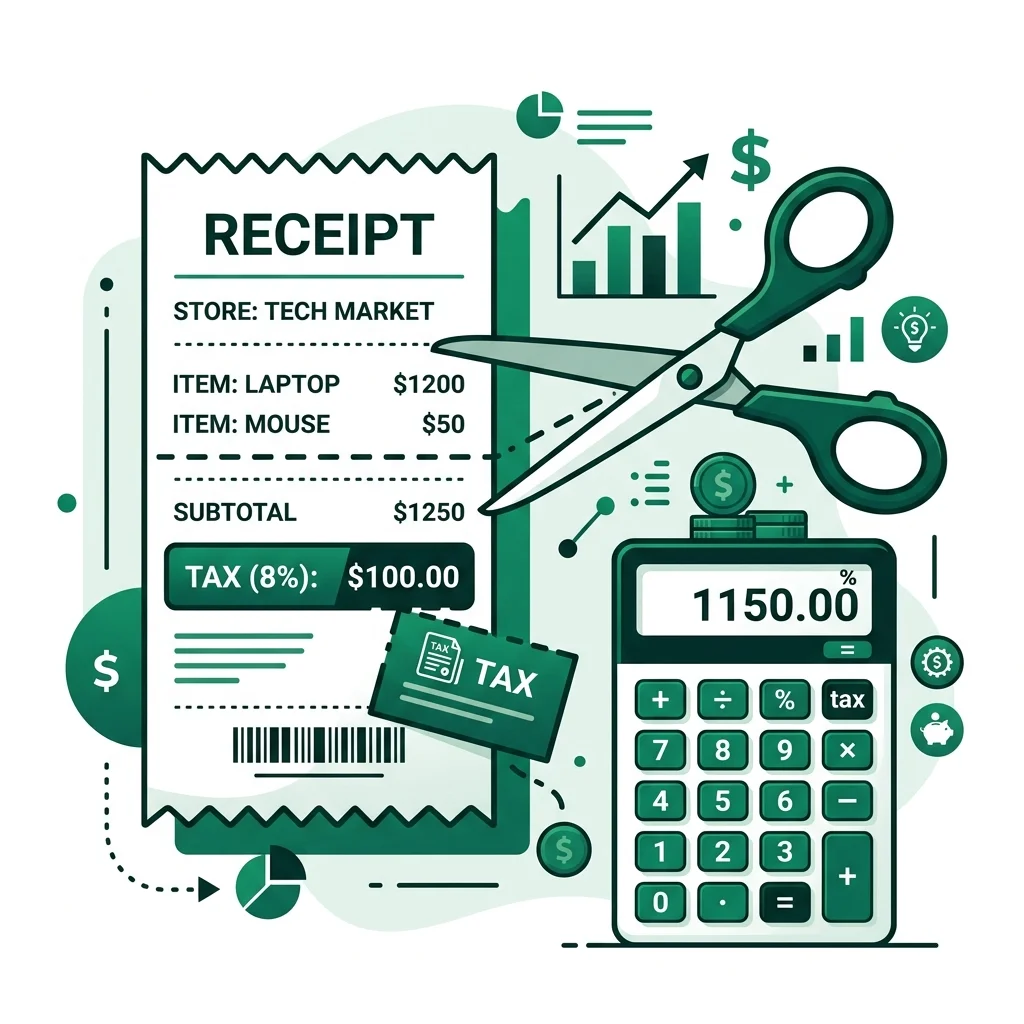
Back Out Sales Tax — Free Calculator
Local city/county taxes are added on top of state rates. Enter your exact combined rate if different from the state base rate.
Estimates only. Consult a tax professional for your specific situation.
US State Sales Tax Rates 2026 — Quick Reference
| State | Base Rate | Note |
|---|---|---|
| California | 7.25% | Local avg: ~10.5% with county taxes |
| Texas | 6.25% | Local can add up to 2% |
| New York | 4% | NYC adds 4.5% = 8.5% total |
| Florida | 6% | No county goes above 8.5% |
| Washington | 6.5% | Seattle area avg: 10.35% |
| Illinois | 6.25% | Chicago: 10.25% combined |
| Pennsylvania | 6% | Philadelphia adds 2% = 8% |
| Ohio | 5.75% | Most counties 7-8% combined |
| Georgia | 4% | Most counties: 7-8% combined |
| North Carolina | 4.75% | County adds 2-2.5% typically |
| Oregon | 0% | No sales tax |
| Montana | 0% | No sales tax |
| New Hampshire | 0% | No sales tax |
⚠️ Local/county taxes stack on top of state rates. Use the calculator above with your exact combined rate.
You paid $108.99 at the register and need to find the exact pre-tax price. Or you received a $5,450 lump sum business payment and must separate the taxable income from what you owe the government. To strip away the tax accurately, you must use reverse division, because subtracting the tax percentage from the final total will give you the wrong number entirely.
The Reverse Tax Formula
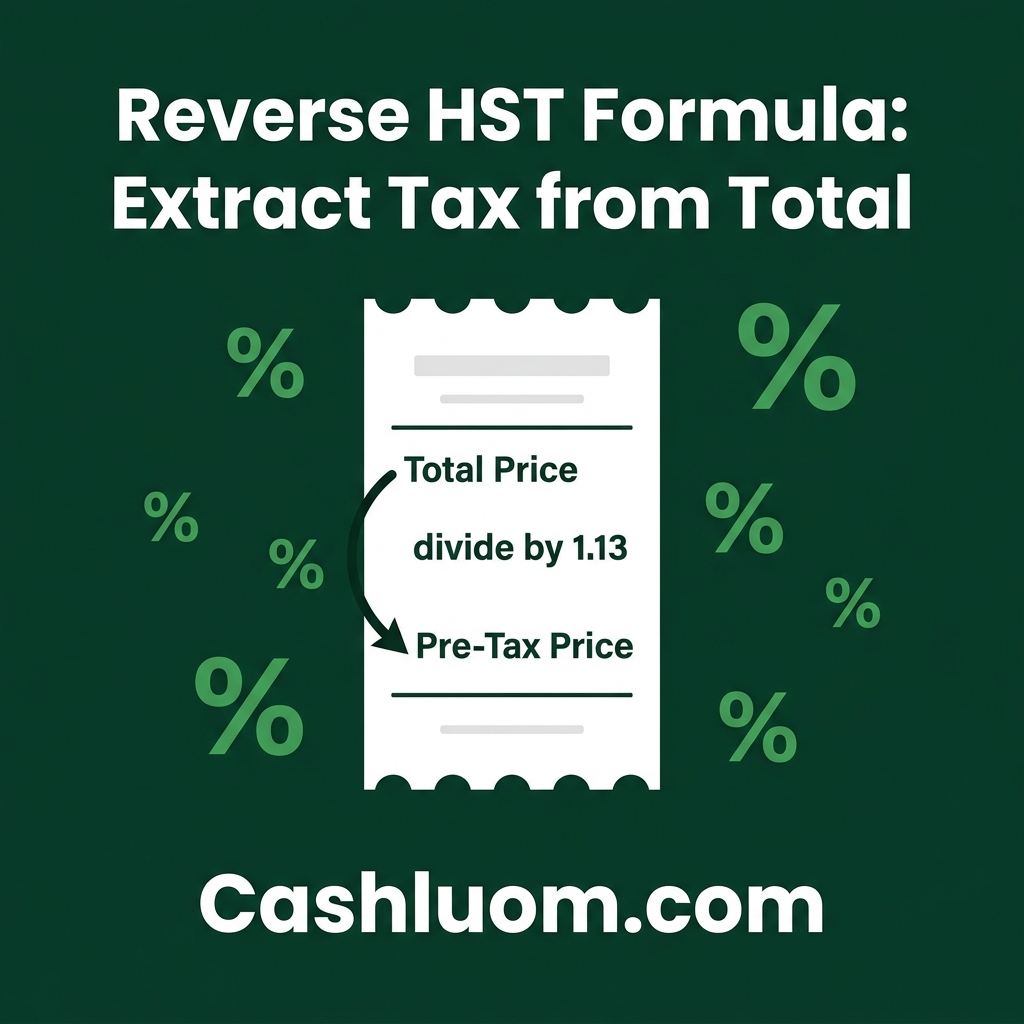
Original Price = Total Price ÷ (1 + Tax Rate as decimal)
Example with real numbers:
- Total paid = $108.00
- Tax rate = 8%
- Tax rate as decimal = 0.08
- Divisor to use (1 + 0.08) = 1.08
- Original price = $108.00 ÷ 1.08 = $100.00
- Tax amount = $108.00 - $100.00 = $8.00
Step-by-Step: How to Back Sales Tax Out of a Total
Backing out tax requires three distinct actions. If you simply multiply $108.00 by 8%, you get $8.64, which wrongly suggests the base price was $99.36. This is mathematically incorrect because the tax was originally calculated on the base price, not the final total. Follow these three steps to guarantee absolute accuracy for your accounting methods.
Step 1: Convert your tax percentage into a divisor
First, take your specific tax percentage and move the decimal point two places to the left to turn it into a standard decimal. For example, a 6.5% sales tax becomes 0.065. Next, add the number 1 to that decimal. That becomes your exact divisor. Your divisor in this situation is 1.065.
Step 2: Divide the total price by your divisor
Take the final, after-tax amount on your receipt or invoice and divide it by the divisor you created in Step 1. If your total checkout price is $213.00, you will divide $213.00 by 1.065. The result of this calculation is exactly $200.00. This $200.00 is your true base, pre-tax original price.
Step 3: Subtract to isolate the tax dollar amount
Now that you have confirmed your original price is $200.00, simply subtract that figure from the total $213.00 amount. $213.00 minus $200.00 leaves $13.00. You have now successfully backed out the tax, proving that the original item cost $200.00 and exactly $13.00 went specifically toward sales tax.
Back-Out Sales Tax Examples for Common Tax Rates
Every jurisdiction has differing tax environments. If you process invoices for different regions, you need to know exactly what number to divide your totals by. This reference table provides the exact divisors for the most common global tax rates so you never have to guess the math.
| Tax Rate | Divisor (Divide Total By) | Example: $100 Total → Original Price |
|---|---|---|
| 5% | 1.05 | $100 ÷ 1.05 = $95.24 |
| 6% | 1.06 | $100 ÷ 1.06 = $94.34 |
| 8% | 1.08 | $100 ÷ 1.08 = $92.59 |
| 10% | 1.10 | $100 ÷ 1.10 = $90.91 |
| 13% (HST ON) | 1.13 | $100 ÷ 1.13 = $88.50 |
| 15% | 1.15 | $100 ÷ 1.15 = $86.96 |
| 20% (VAT UK) | 1.20 | $100 ÷ 1.20 = $83.33 |
Why This Method Works. The Math Explained Simply
To understand why the division formula works, you must look at how retail tax is applied in the first place. When a store calculates the final price, they take the original base (which represents 100% of the item's cost) and add the tax percentage on top of it. Therefore, an item with an 8% tax means you are paying 108% of the original price.
For example, if you see a $50 pair of shoes and tax is 8%, the store calculates 50 × 1.08 to arrive at a total of $54. To reverse a multiplication equation, fundamental mathematics dictates you must use division. Dividing the $54 final amount by 1.08 completely unwinds the original math, pulling you straight back to the $50 shelf price. You can view more detailed mechanics on how to calculate reverse tax.
Extract Tax Without the Math
Open CalculatorFrequently Asked Questions
How do I remove tax from a total price?
To remove tax from a total price, divide the total receipt amount by 1 plus the tax rate expressed as a decimal. For example, if your total is $108.00 and the tax rate is 8%, you divide $108.00 by 1.08 to find the original $100.00 pre-tax price.
What is the formula to back out 8% sales tax?
The exact mathematical formula to back out 8% sales tax is: Original Price = Total Price ÷ 1.08. Once you divide your total by 1.08, subtracting that original price from the total will give you the exact tax amount.
How do I find the original price before tax was added?
You find the original price by converting your local tax percentage into a decimal, adding 1 to it, and dividing your final total by that number. Do not simply multiply the final total by the tax percentage, as that calculates tax on top of tax.
How to remove 10% tax from a total?
To successfully remove a 10% tax from any total, divide the gross amount by 1.10. For instance, dividing a final bill of $220.00 by 1.10 reveals the pre-tax item cost is $200.00.
How to remove Canadian HST from a price?
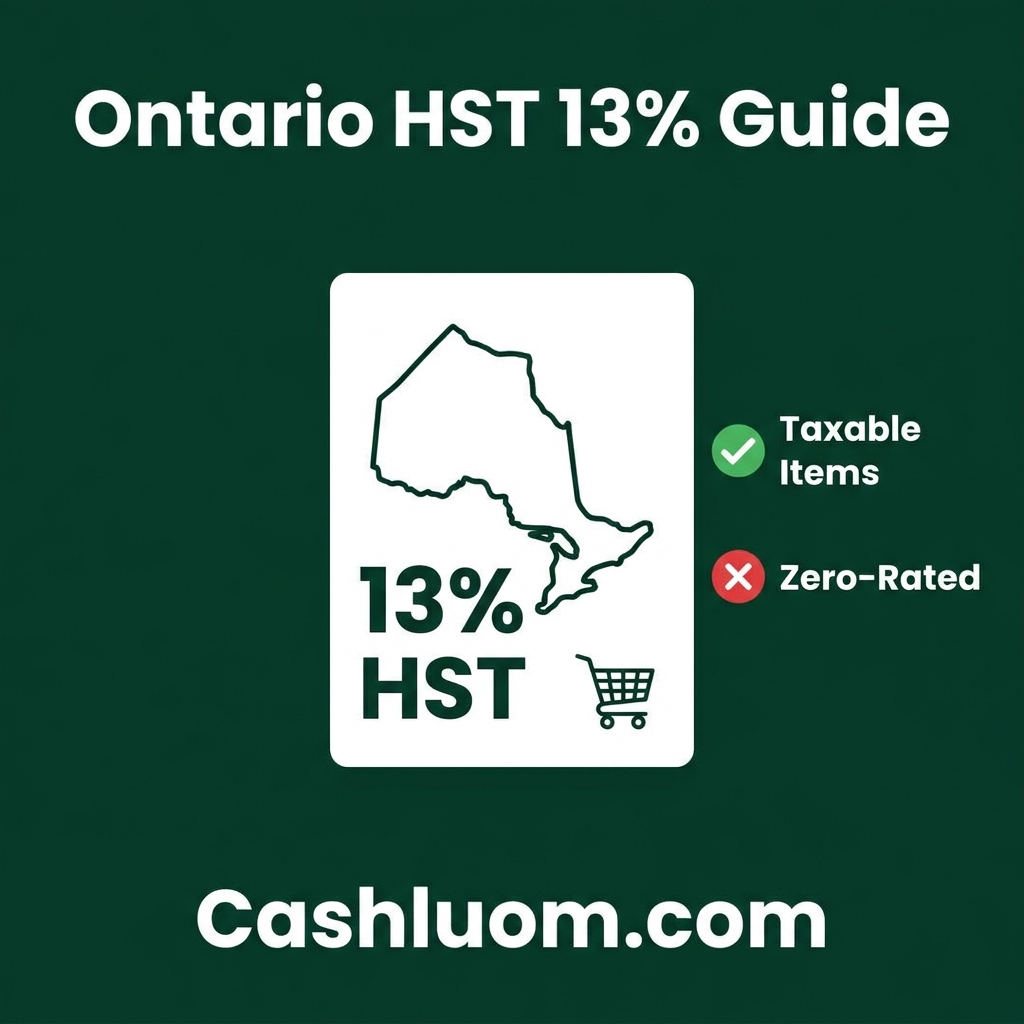
Removing Canadian HST requires determining your specific provincial rate first. If you are backing out Ontario's 13% HST, divide the grand total by 1.13. If you are backing out Nova Scotia's 14% HST, divide your total by 1.14.
How to remove 20% VAT from a total (UK)?
The United Kingdom applies a 20% standard VAT rate. To systematically remove 20% VAT from a total price, you must divide your final amount by 1.20 to reveal the base taxable amount.
Whether you are checking a receipt or reconciling a full-scale accounting ledger, the inverse division principle applies flawlessly across all global tax rates. Guarantee precision in your financial reports by loading your exact data into the reverse tax calculator right now.
Sources & Citations: Content verified against official guidelines from the IRS (US), HMRC (UK), and ATO (AU). Information is reviewed for accuracy prior to publication.
Free Calculator
Reverse Tax Calculator
Calculate the original pre-tax price from any price-inclusive total. This tool is essential for business owners and shoppers who need to back out sales tax, VAT, or GST. Supports all 50 US states, UK VAT (20%), Australia GST (10%), Canada GST/HST (all provinces), and custom tax rates for any country worldwide.
Comments are coming soon. Have feedback? Contact us.